
Pujas, homams and life-event ceremonies from the available catalogue.
A GUIDE TO YOUR SERVICE
Pandit BookingYour occasion. Thoughtfully prepared.
Find a pandit for pujas, homams and ceremonies at home. Select the occasion and check the available options.
Booking continues in the DoPuja Android app.

Pandit Booking
Explore pujas
 Pandit Booking
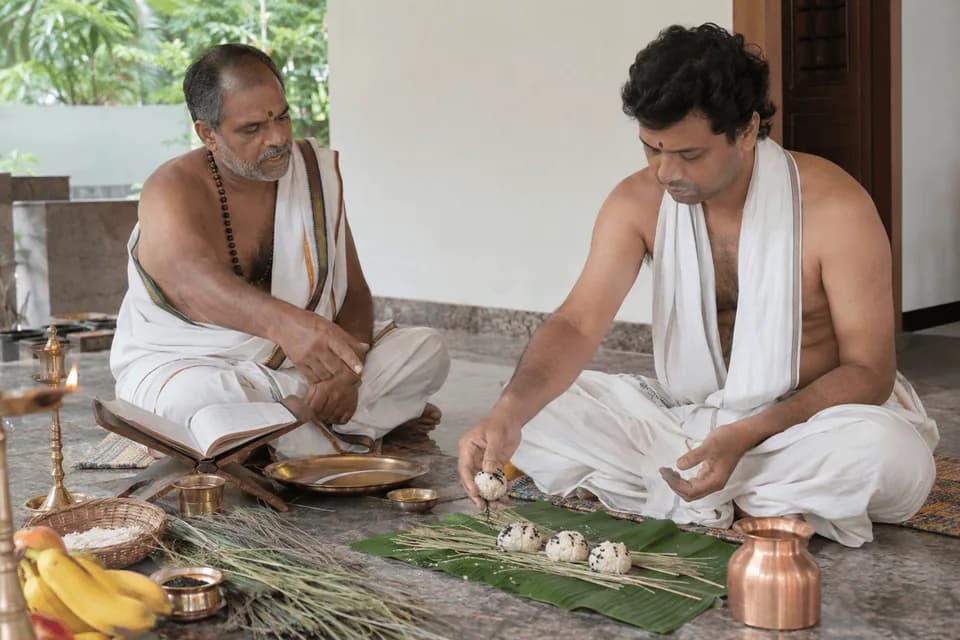
Aabdhikam
 Pandit Booking
Aksharabhyasam / Vidyarambham / First Writing Ceremony
 Pandit Booking
Annaprasana
 Pandit Booking
Aparajita Devi Puja · Durga Sahasranama
 Pandit Booking
Business Opening Puja / Shop Opening / Office Opening
 Pandit Booking
Chandi Homam / Chandi Havan
 Pandit Booking
Garbhadhanam / Garbhadana Sanskar
 Pandit Booking
Gruhapravesam / House Warming Puja
 Pandit Booking
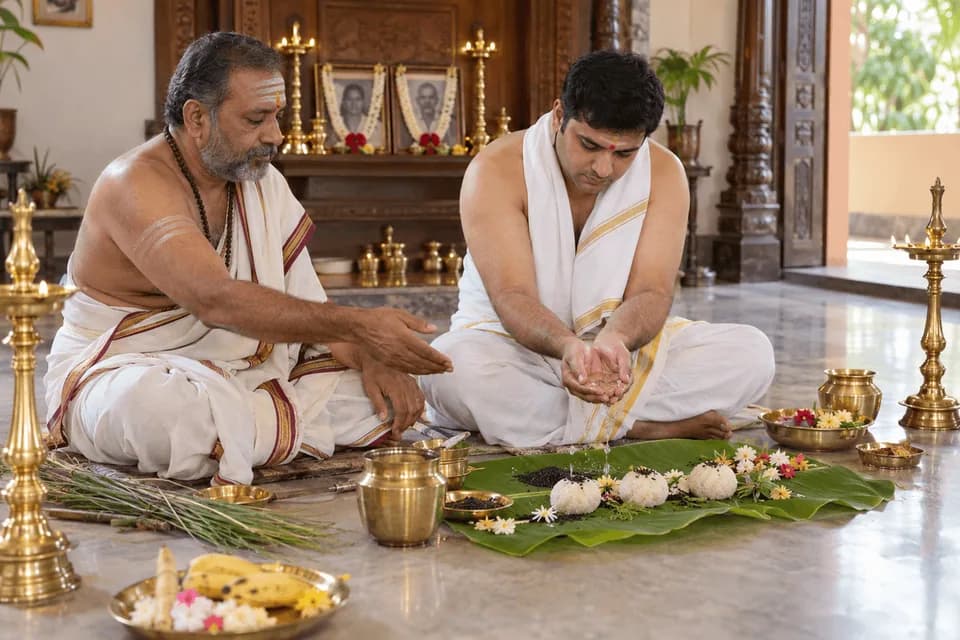
Lakshmi Ganapathi Homam
 Pandit Booking
Masikam
 Pandit Booking
Namakaranam / Naming Ceremony
 Pandit Booking
Rudra Homam
 Pandit Booking
Rudrabhishekam
 Pandit Booking
Seemantham / Srimantham / Baby Shower Vedic Ritual
 Pandit Booking
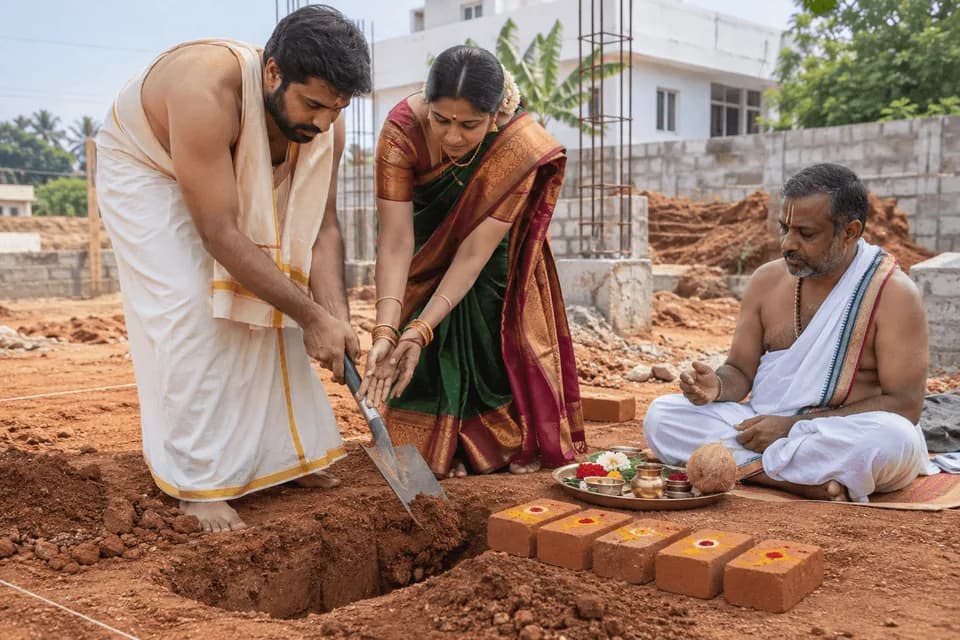
Shankusthapana / Bhoomi Puja / Foundation Laying
 Pandit Booking
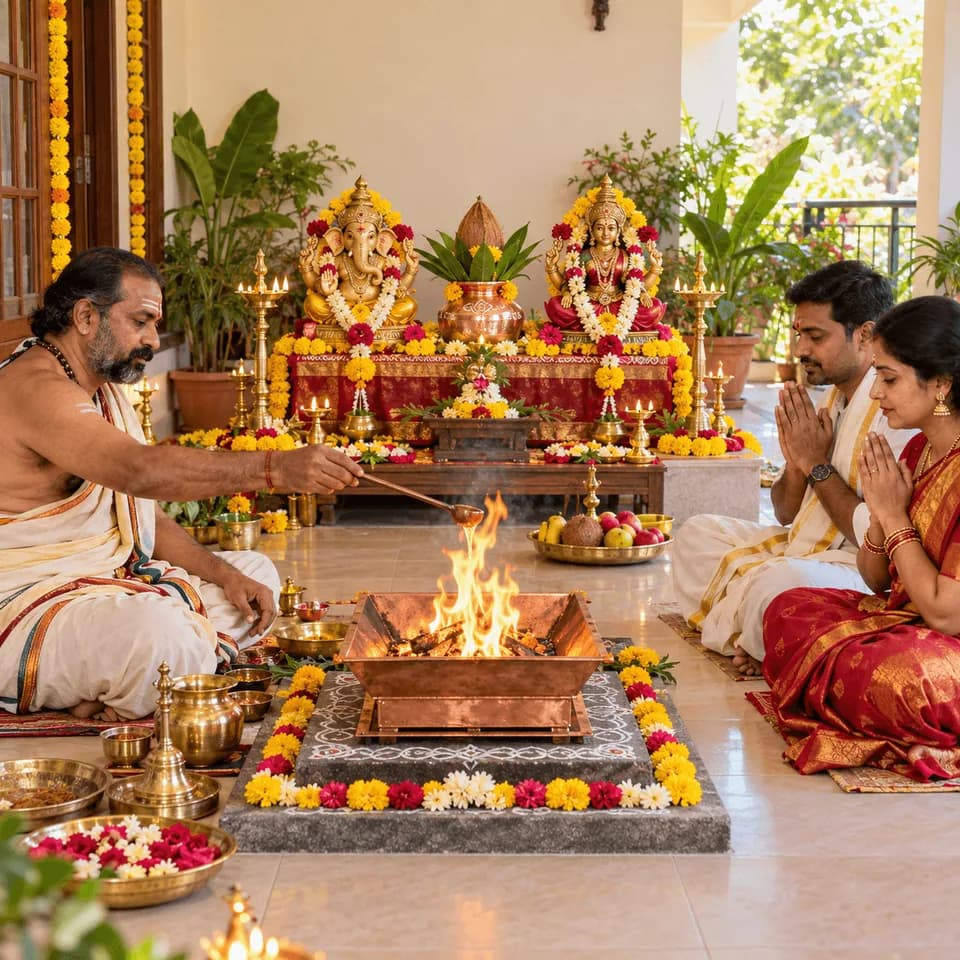
Sri Lakshmi Ganapathi & Mahalakshmi Homam
 Pandit Booking
Udakashanthi
 Pandit Booking
Veda Aseervachanam / Vedic Blessings by Pandits
 Pandit Booking
Vivaham / Hindu Marriage Ceremony
 Pandit Booking
Satyanarayana Vratam
Discover a puja. Use the arrows or swipe to browse at your own pace.
Understand the service
What this service offers
Book a purohit for a puja, homam or family ceremony at your chosen location. The service brings the ritual, timing, preparation and assignment details into one booking, so your family and the purohit can prepare with clarity.
Scheduling, address and sankalpa information in the booking.
Material options and the required number of priests as listed for the puja.
How it works
From your first step to completion
Pandit Booking
- 01
Explore your options
Find the ceremony in the app. Read its description, duration and preparation requirements.
- 02
Share the right details
Enter the location and requested date/time. Share the details needed for the sankalpa.
- 03
Review before you confirm
Review the amount, materials and payment terms. Confirm the booking and wait for the assignment/confirmation updates.
- 04
Follow the service steps
Coordinate arrival and prepare the space. Follow any arrival or start verification requested in the app before the ceremony begins.
- 05
Completion & follow-up
The purohit conducts the ceremony. Review the completion update, settle any applicable balance through the stated process and share feedback.
Who it helps
Clear information. Better preparation.
For customers & families
- Understand preparation and material options before the ceremony.
- Keep the date, venue and service updates in one booking.
- Use the available support process if coordination or completion needs attention.
For purohits & practitioners
- Receive the ceremony, schedule and address needed to prepare.
- Use the assignment and status workflow to coordinate acceptance, travel and completion.
- Maintain a service record through completed bookings and customer feedback.
Before you begin
A few things to keep ready
- Check the ritual, date and venue before confirming; a requested time is subject to confirmation.
- Review the material list and clarify what the family should arrange.
- Provide accurate sankalpa details and clear directions to the venue.
Helpful to know
Questions, answered
Are materials always included?
No. Check the puja listing and selected material option. The booking may offer materials separately or ask you to arrange specified items.
Where do I see the current price and inclusions?
The selected service or package shows the current amount, inclusions and any payment requirements. This guide does not set a price or create a booking.
What if I need to change or cancel?
Check the terms for your selected service and contact support with the booking or order reference. Availability, deadlines, cancellation and refund rules depend on that service.
Which language can I use?
Read this guide in English, Telugu or Hindi using Change language in Profile. Check the selected service for its own language options before booking.
Pandit Booking
Take the next step, with clarity.
Explore the available service and review its current details before confirming.
Our services