
A listed puja with temple/location, schedule and booking deadline.
A GUIDE TO YOUR SERVICE
Digital PujaYour sankalpa. Beyond distance.
Participate from wherever you are. Explore pujas performed in your name and see each service's video and participation details.
Booking continues in the DoPuja Android app.
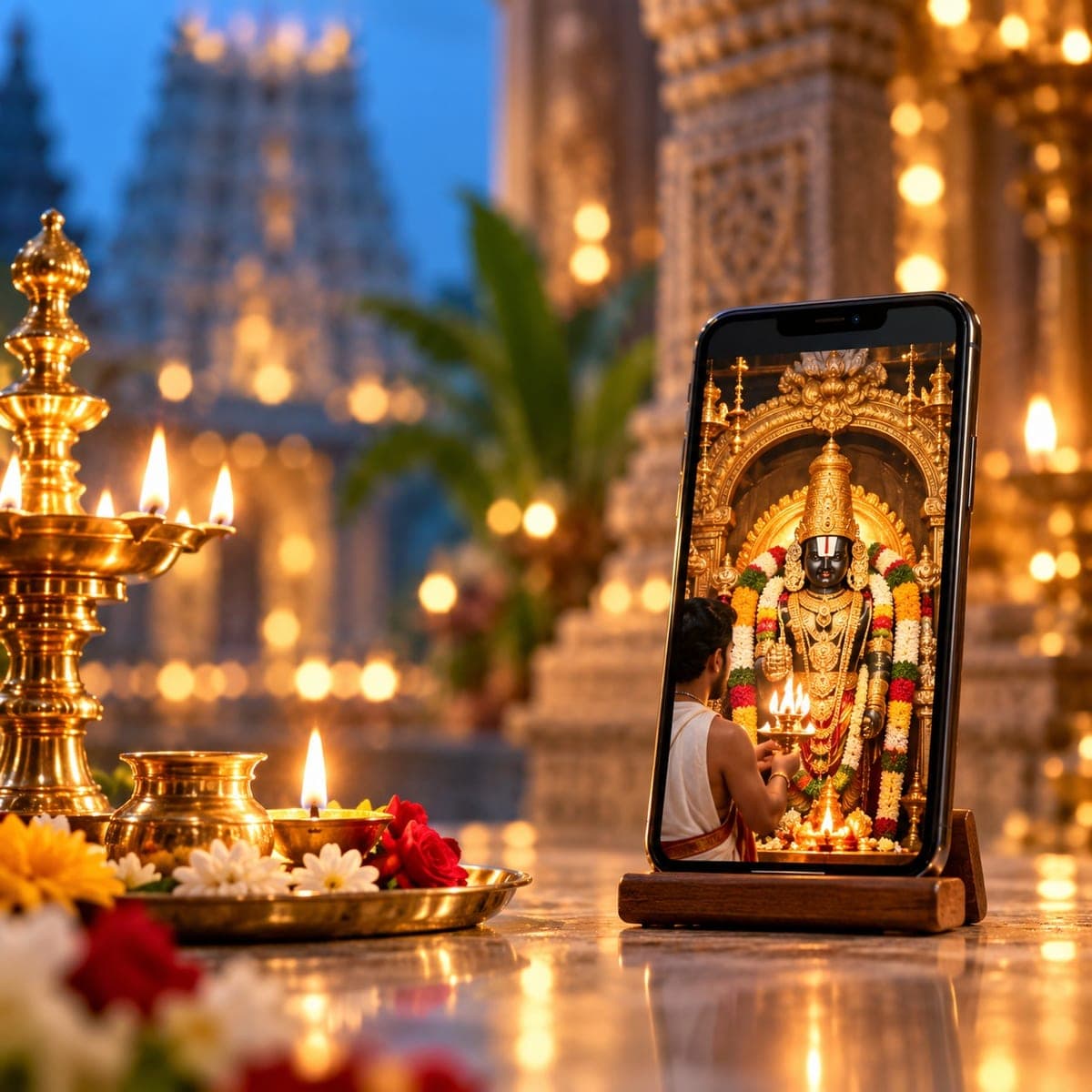
Digital Puja
Explore pujas
Discover a puja. Use the arrows or swipe to browse at your own pace.
Understand the service
What this service offers
Digital Puja lets you book a listed puja performed in your name without travelling to the venue. You provide the requested sankalpa details; the service follows its published schedule and package, with completion media where included.
Name and optional gotra/nakshatra details requested for the sankalpa.
Package choices and completion video/media according to the listing.
How it works
From your first step to completion
Digital Puja
- 01
Explore your options
Choose an upcoming puja in the app. Read the temple, deity, date and participation details.
- 02
Share the right details
Enter the sankalpa name carefully. Add gotra, nakshatra or family-member details only where requested.
- 03
Review before you confirm
Select the package and review its inclusions. Complete the stated payment and check the booking confirmation before the deadline.
- 04
Follow the service steps
The purohit performs the puja at the listed venue using the supplied sankalpa details. Follow any participation instructions given for that booking.
- 05
Completion & follow-up
Check your booking for completion and the media included in your package. Use support if delivery needs follow-up.
Who it helps
Clear information. Better preparation.
For customers & families
- Participate through a booking even when you cannot travel to the venue.
- Provide a personal or family sankalpa through the requested fields.
- Keep the confirmation and included completion media associated with the booking.
For purohits & practitioners
- Structured devotee details help prepare the sankalpa list.
- Published timings and booking windows help the team plan the ritual.
- Package-specific media requirements clarify completion responsibilities.
Before you begin
A few things to keep ready
- Check the puja date and booking cutoff; scheduled events may close in advance.
- Verify the spelling of all sankalpa names before confirming.
- Read whether video, prasadam or other delivery is included and how it is provided.
Helpful to know
Questions, answered
Is Digital Puja a live video call?
Not automatically. The listed package defines the format. A completion recording and a live call are different; check the service description before booking.
Where do I see the current price and inclusions?
The selected service or package shows the current amount, inclusions and any payment requirements. This guide does not set a price or create a booking.
What if I need to change or cancel?
Check the terms for your selected service and contact support with the booking or order reference. Availability, deadlines, cancellation and refund rules depend on that service.
Which language can I use?
Read this guide in English, Telugu or Hindi using Change language in Profile. Check the selected service for its own language options before booking.
Digital Puja
Take the next step, with clarity.
Explore the available service and review its current details before confirming.
Our services