
A recurring schedule based on the package you select.
A GUIDE TO YOUR SERVICE
Nithya PujaA little devotion. A daily rhythm.
Make devotion part of your routine, with puja services for your home or business.
Booking continues in the DoPuja Android app.

Nithya Puja
Explore pujas
 Nithya Puja
Ganesha Daily Puja
 Nithya Puja
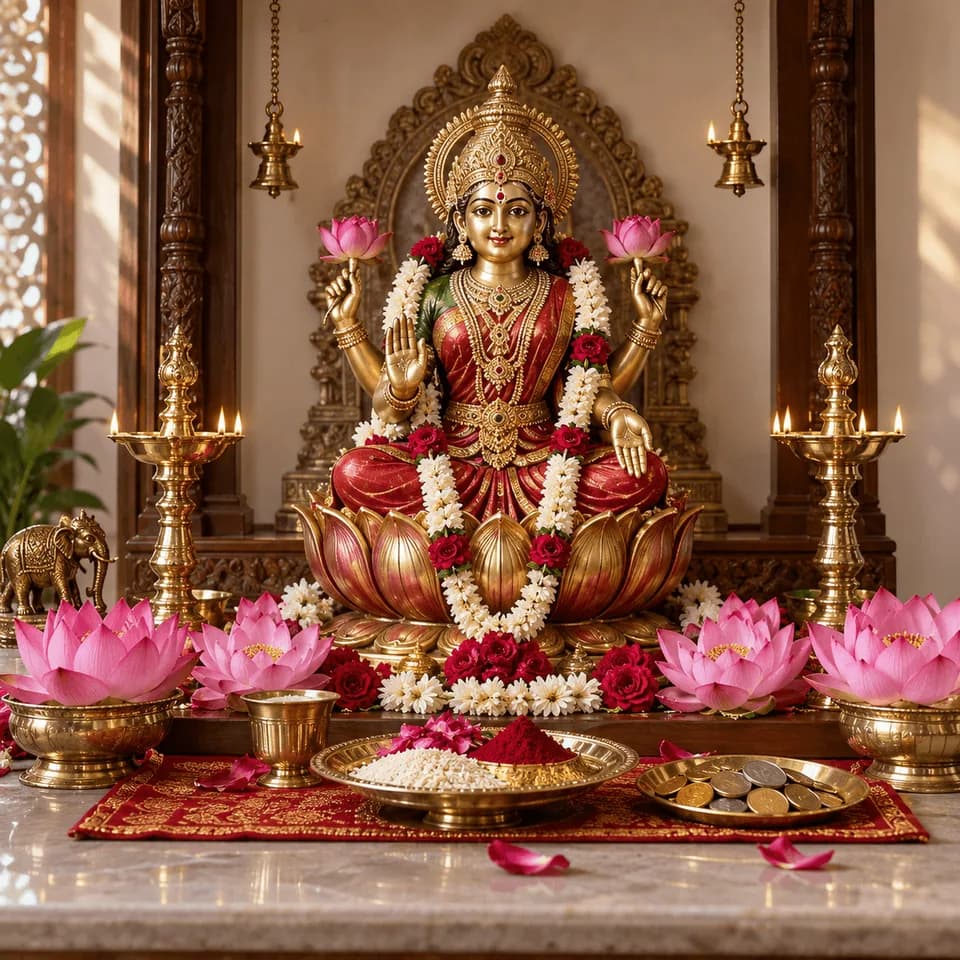
Lakshmi Daily Puja · Sandhya
 Nithya Puja
Nitya Lakshmi · Dhanalakshmi Puja
 Nithya Puja
Nitya Dhoopa Puja
 Nithya Puja
Nitya Kavacha · Narayana & Durga
 Nithya Puja
Friday Shuddhi & Lakshmi Puja
Discover a puja. Use the arrows or swipe to browse at your own pace.
Understand the service
What this service offers
Nithya Puja is a recurring puja service for your home, workplace or business. Choose an available package and coordinate a suitable routine with the assigned purohit, rather than arranging every visit separately.
Your address, preferred time and sankalpa details for coordination.
Assigned-purohit and completed-visit records supported by the service.
How it works
From your first step to completion
Nithya Puja
- 01
Explore your options
Open Nithya Puja in the app. Compare the listed pujas, package duration, frequency and current price.
- 02
Share the right details
Enter the service address, preferred time and requested sankalpa details. Check which materials are included.
- 03
Review before you confirm
Review the package and payment terms before confirming. The service team coordinates the purohit assignment.
- 04
Follow the service steps
Prepare the agreed puja space. The assigned purohit performs the visits according to the confirmed arrangement.
- 05
Completion & follow-up
Completed visits are recorded. Use the available support channel for missed visits, changes or package questions.
Who it helps
Clear information. Better preparation.
For customers & families
- Build a regular spiritual routine without repeatedly arranging a new booking.
- Coordinate timing and preparation around your household or workplace.
- Keep the package and visit history together for easier follow-up.
For purohits & practitioners
- Recurring assignments help purohits plan their service schedule.
- Address and sankalpa details give context before a visit.
- Recording completed visits supports clear coordination with the service team.
Before you begin
A few things to keep ready
- Confirm the visit days, preferred time and access to the property.
- Keep a clean puja area and the materials specified for your package.
- Tell the team early if a visit needs to be changed; the applicable terms govern changes.
Helpful to know
Questions, answered
Is every package daily?
Use the frequency and duration shown for the specific package. Do not assume that every listing includes the same number of visits.
Where do I see the current price and inclusions?
The selected service or package shows the current amount, inclusions and any payment requirements. This guide does not set a price or create a booking.
What if I need to change or cancel?
Check the terms for your selected service and contact support with the booking or order reference. Availability, deadlines, cancellation and refund rules depend on that service.
Which language can I use?
Read this guide in English, Telugu or Hindi using Change language in Profile. Check the selected service for its own language options before booking.
Nithya Puja
Take the next step, with clarity.
Explore the available service and review its current details before confirming.
Our services